
Timers that flow
Pull a timer from your Mac’s menu bar and boom — it’s counting down. Each timer floats on top with its own look, sound, and liquid animation. Need 1 or 50? No problem.

macOS 14.6+ · 2.1 MB · Free
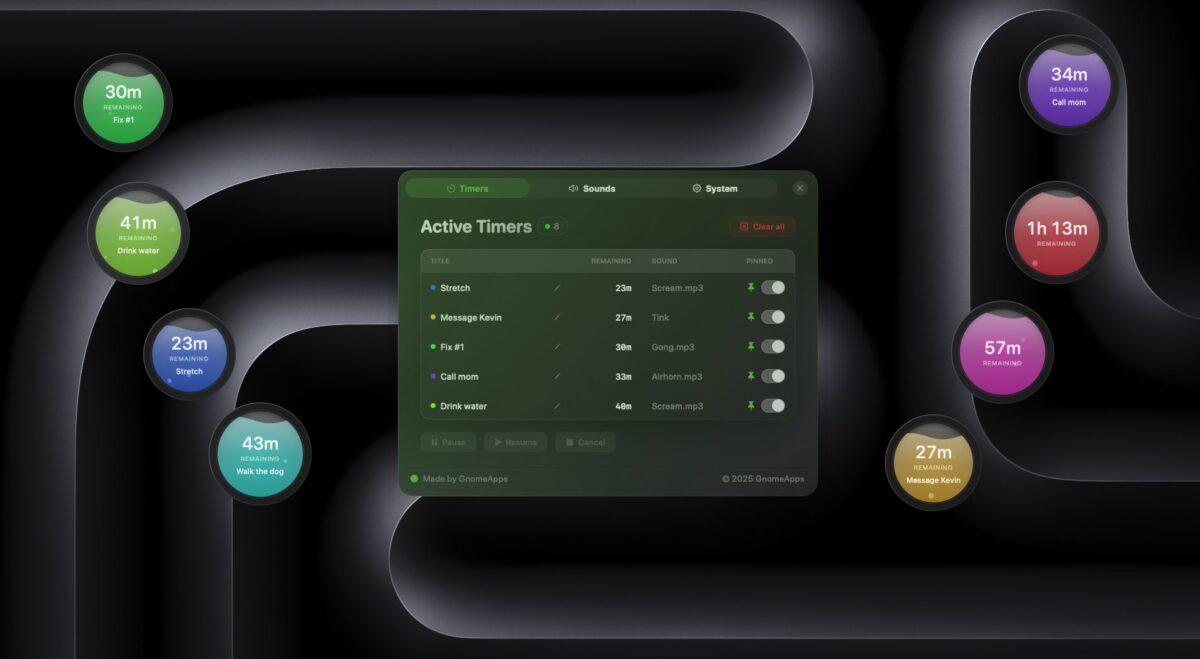
A modern timer and focus app for power users, students, and creatives. Perfect for tasks, productivity bursts, or just remembering to take the pizza out of the oven.
Unlimited timers. Run as many as you need, side by side.
Pull a timer straight from your menu bar and drop it anywhere.
Tiny, native and minimal. Built for Mac with simplicity and elegance.
Yours: custom titles, voices, sounds and looks for every timer.
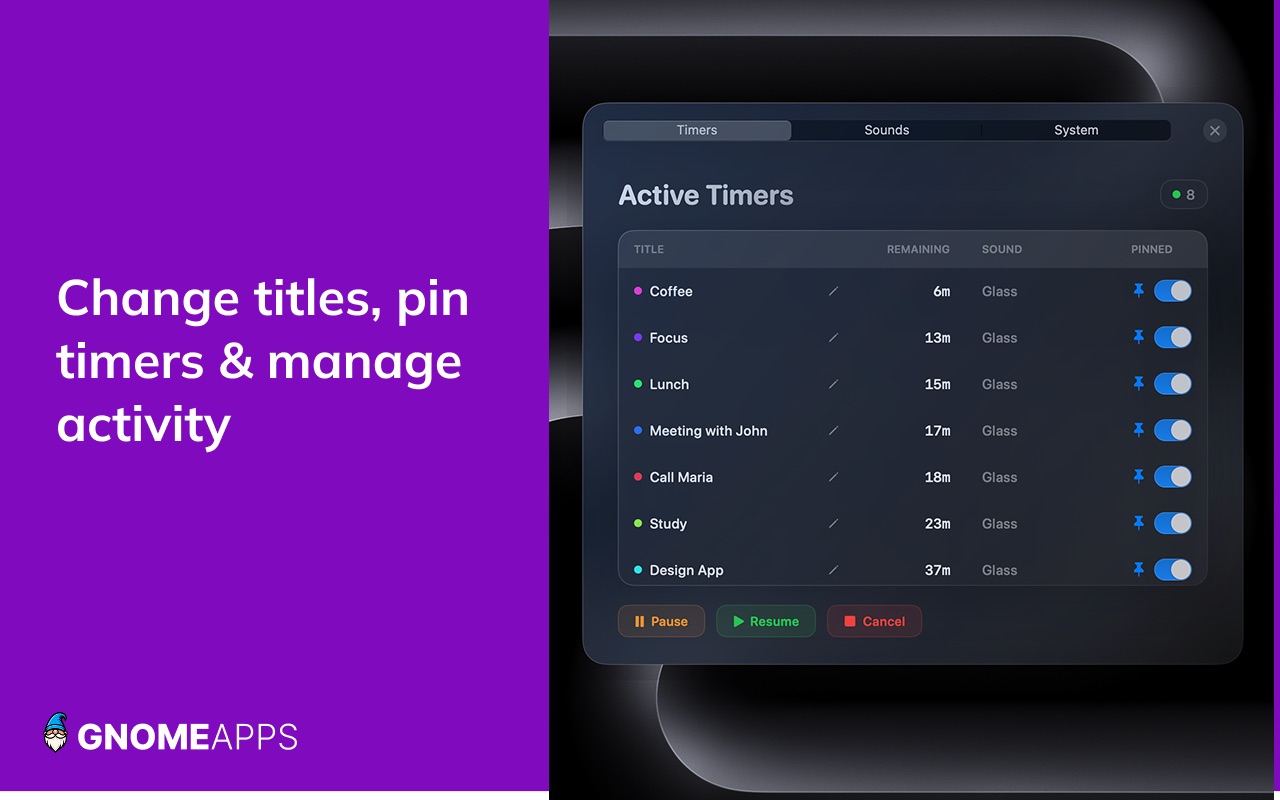
Vibrant liquid animations show time draining away at a glance. Pin timers on top of any app, rename them mid-run, and manage everything from one activity panel — perfect for deep work, studying, or productivity sprints.
What you get
Everything you need to visualize countdowns — nothing you don’t.
Launch a new floating, circular timer instantly from the menu bar. No sign up — start timing immediately.
Choose from built-in completion voices or import your own sounds for a truly personal touch.
Built for deep work, study sessions, cooking, fitness, ADHD time management and parental timers.
A beautiful way to visualize countdowns — no accounts, no fluff.